

Nobody designed your network.
It just grew.
One fix at a time — an access point here, a switch when the ports ran out — until the phones and the cameras were running on it too. Nobody has ever looked at it as one thing.
Every network is the sum of the last ten urgent fixes
It is rarely one bad decision. It is a decade of reasonable ones, made quickly, by different people, with nobody holding the shape of the thing.
The trouble is what has been quietly piled on top since. The phones run on it. The cameras run on it. The card machine, the time clock, whatever the production floor uses. A network that was adequate for a dozen computers is now carrying the business — and the first sign of the gap is usually not a failure. It is slowness nobody can explain.
And it does not show up as a technology problem. It shows up as production time lost, as a job that took longer than it should have, as a deadline that moved. Those are the terms the business is answerable for, and they are what a slow network costs long before anybody calls it a fault.
Three things we find in almost every network somebody else built
-
Equipment meant for a house
The gear sold for a home office looks the same and costs a fraction, and it is in a great many business buildings. It does the job until the day there are forty devices on it instead of six.
-
Sized for the building it was in
Not the one it is in now. Businesses grow into extensions, mezzanines and second units, and the equipment stays where it was first put.
-
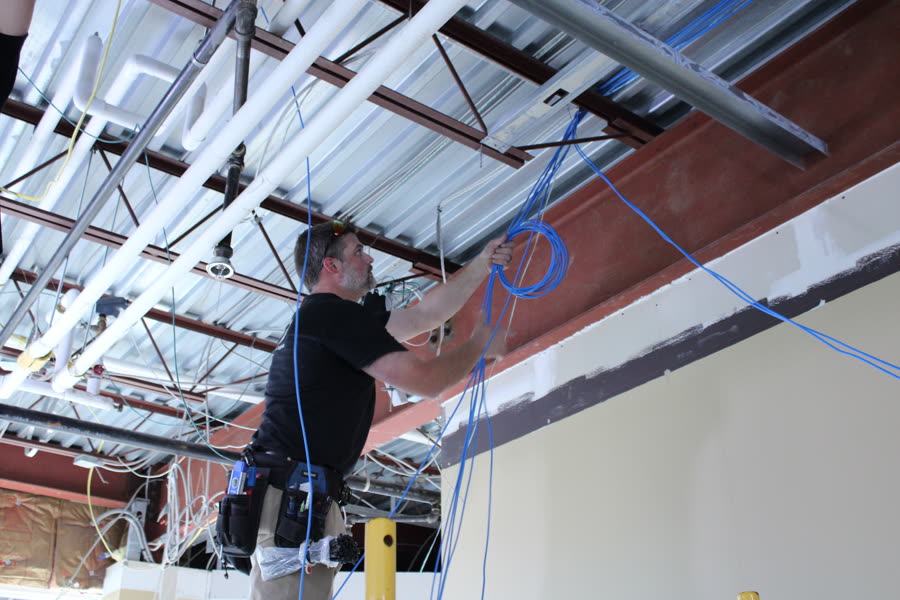
The wire underneath
Every system inherits the limits of the cable beneath it. If the runs were never tested, nobody knows what they are — and no amount of equipment on either end fixes a bad run. What proper cabling involves →
You should be able to open the closet and read it
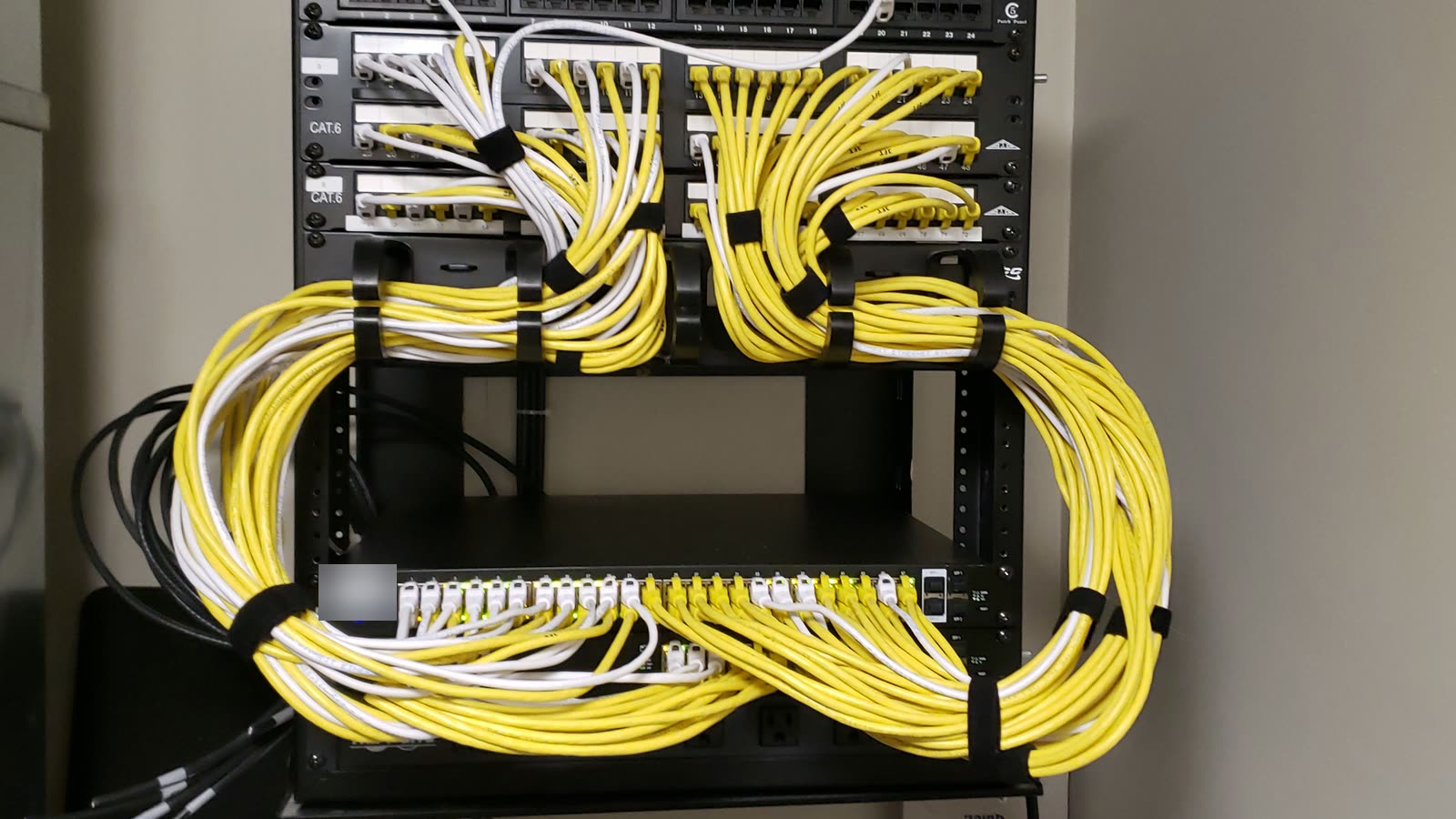
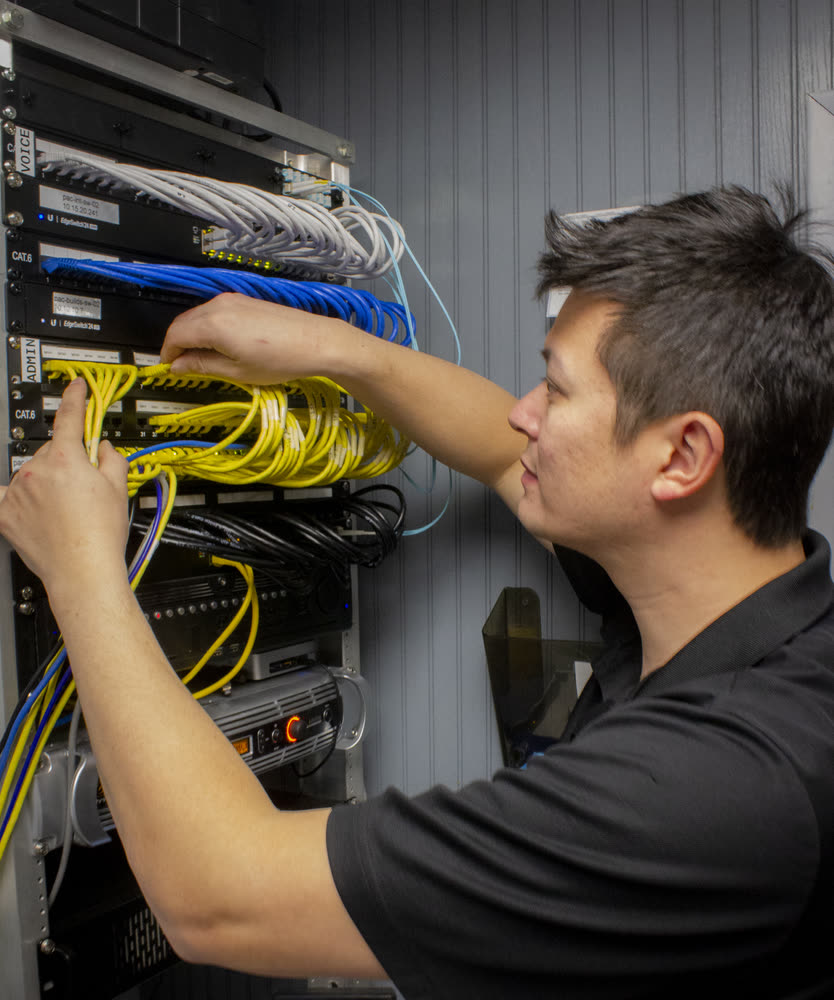
When we build a head end, every cable is color-coded by what it carries, and every port on the switch is labeled to match.
It sounds like housekeeping. It is the difference between a fault found in two minutes and a fault found in forty — and it works just as well at two in the morning from a laptop as it does standing in front of the rack, because the labels are in the switch as well as on the jacks.
The list is still growing as we add things worth telling apart.
We walk the building before we quote the equipment
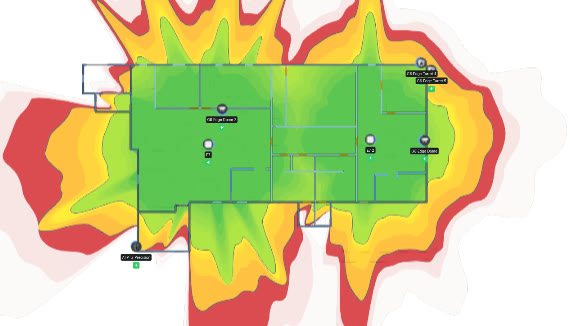
Wi-Fi is a physical thing. It is stopped by steel, by concrete, by a mezzanine, by a wall that was the outside of the building before the extension went on. Which is why adding another access point in the corridor so often changes nothing — the obstruction is somewhere else.
So we survey the building first. We look at how it is actually constructed and where people actually work, and we plan the layout against that — a heatmap of where coverage reaches and where it does not, before anything is bought.
Three ways to join two buildings, and what each one costs you
-
A link over the internet
The default, and right for most. The two sites behave as one network over the connections you already pay for.
Trade-off It depends on both internet connections staying up.
-
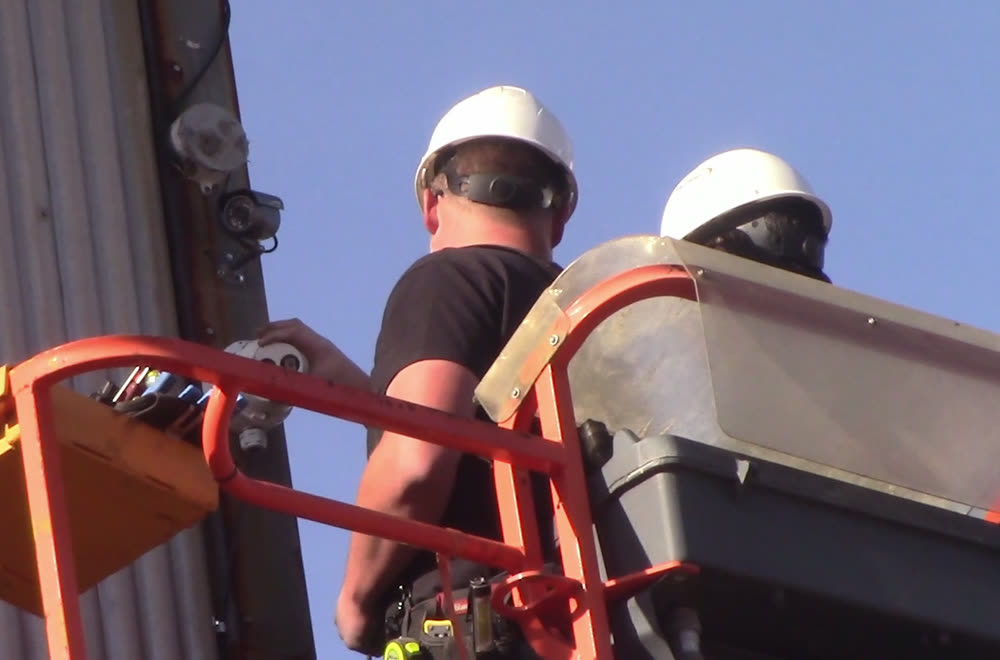
A wireless bridge between the roofs
Where the buildings are within sight of each other this is the cheapest answer by a distance, and there is no monthly cost at all once it is up.
Trade-off Weather and growing trees can interrupt it. It suits a short, clear line rather than a critical one.
-
Fiber in the ground or on a pole
Where there is conduit already, or a route for an aerial run. The most stable and the most secure of the three, and for two buildings that have to behave as one it is often what the business actually needs.
Trade-off It is the expensive option, and we will say so before you ask.
Everything in the building is on it now
The most common thing we find is not a camera system or a card machine. It is personal phones. Everybody who has ever been given the Wi-Fi password is still on the network, and almost none of those devices need to reach anything inside it.
Guests, phones, cameras, card machines and the computers that run the business do not all need to see each other. Keeping them apart costs nothing once somebody has thought about it, and it is one of the few changes that makes a network both safer and faster at the same time.
What owners ask first
Do you have to replace all our equipment?
Usually not all of it. A survey tells us what is doing its job and what is causing the complaints, and those are rarely the same list. Where something business-grade is already in place and working, it stays.
Can you make the Wi-Fi reach the warehouse?
Usually, and the answer depends on the building rather than the equipment. Steel, racking and height all change what works. That is the question a survey exists to answer, and it is better answered before anything is bought.
How long does a survey take?
A walk through the building, and longer for a bigger or more awkward one. You get a map of where coverage reaches today and what it would take to close the gaps.
We have two sites. Do we need a dedicated line between them?
Not necessarily, and the three options differ enormously in cost — a link over your existing internet, a wireless bridge where the buildings can see each other, or fiber. Which one is right depends on the distance, what is in between, and how much the second site can tolerate being offline.
Who actually does the work?
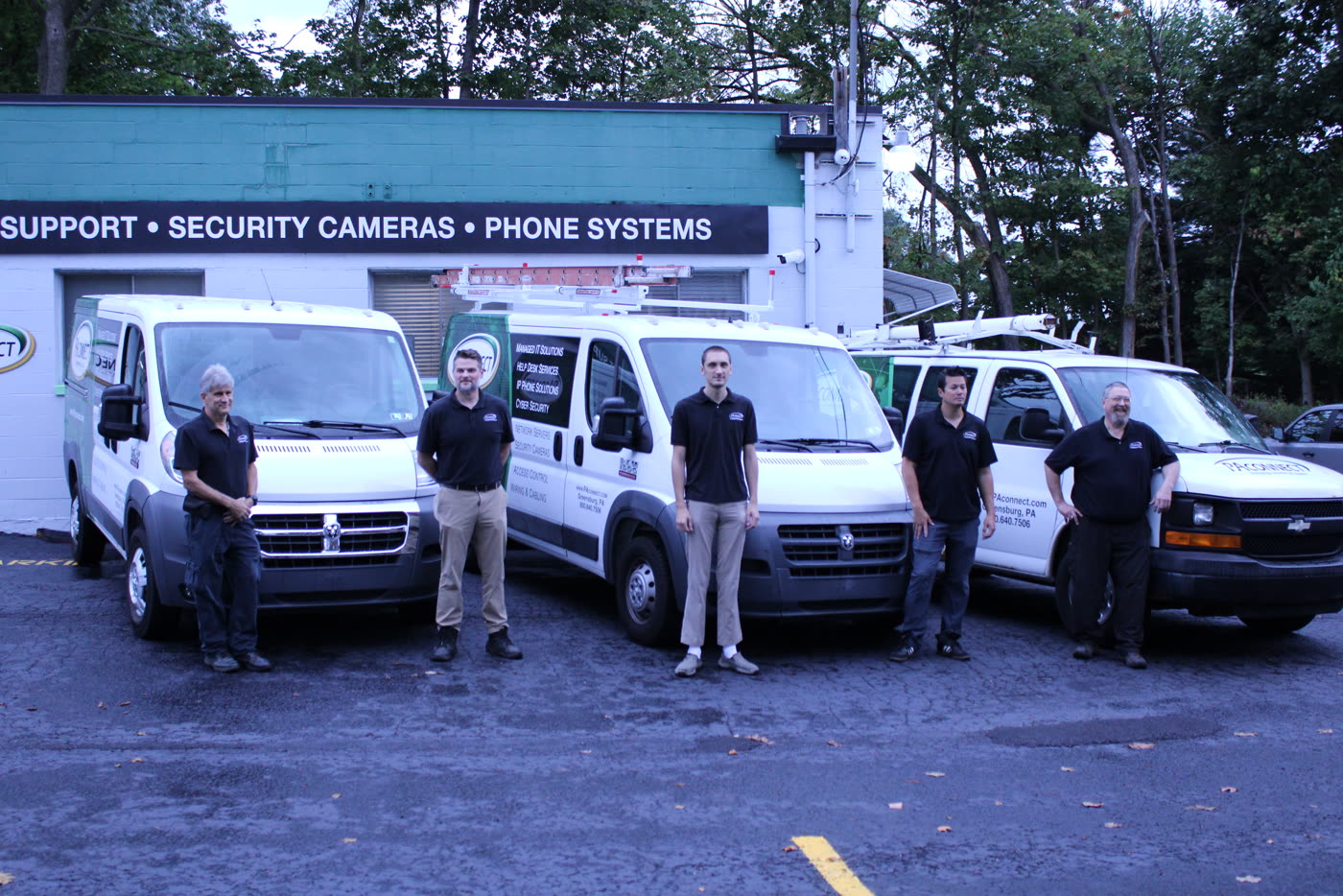
The same people who look after the rest of your systems. Surveys, switching, wireless and the links between sites are done in house, by the team you already deal with — not handed to a subcontractor who has never seen the building. Meet the team →
Do you work on networks you didn’t install?
Most of them. Almost every network we look after was built by somebody else, in stages, over years.
Where does the cabling end and the network begin?
The cabling is the wire in the walls and the way it is terminated and tested. The network is the equipment on either end of it and how it is arranged. We do both, which is why neither can be blamed on the other. Low voltage wiring and cabling →

Find out what your building is actually doing
Tell us roughly what the building is and where the trouble is, and we would rather come and look than quote off a floor plan — free. You get a map of where your coverage reaches today, what is causing the gaps, and what it would take to close them, before anyone quotes you for equipment.
The network inherits the wiring beneath it. Why we do both →
724-838-7526Thank you — we'll be in touch.
A member of our team will reach out within one business day to arrange the survey. If it's urgent, call 724-838-7526 and ask for the help desk.